Clients & patients
Note on the screenshots: the Vetoxera interface is currently German, and the screenshots come from an installation configured for the German market. Some labels in them – for example GOT-Katalog or DSGVO-Formulare – are named differently in an installation for the Emirates. The workflows and the layout are identical.
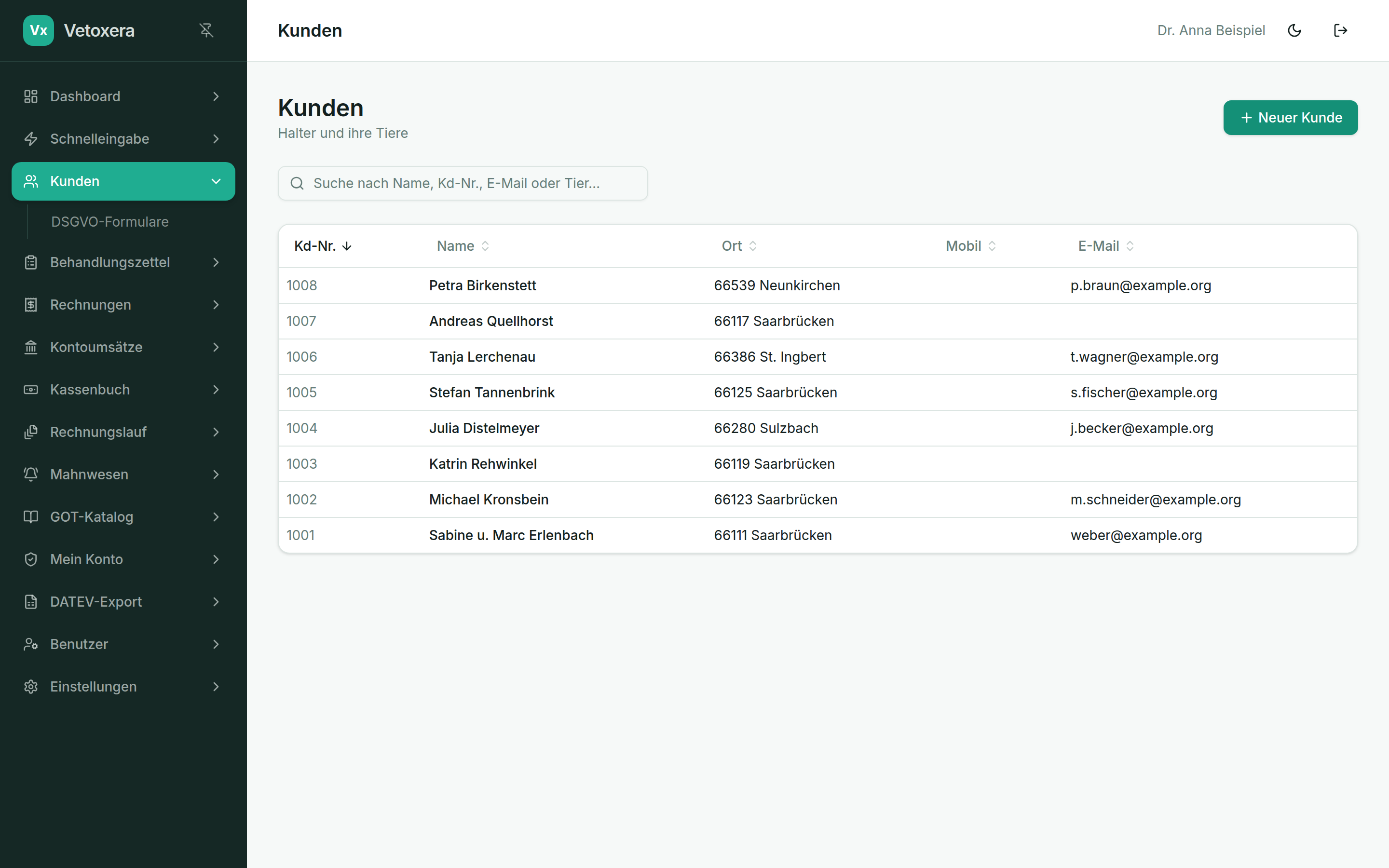
Under Clients (Kunden) you manage animal owners and their animals. Every client has a number, complete master data and a file containing all treatments, invoices and documents.
Creating and editing clients
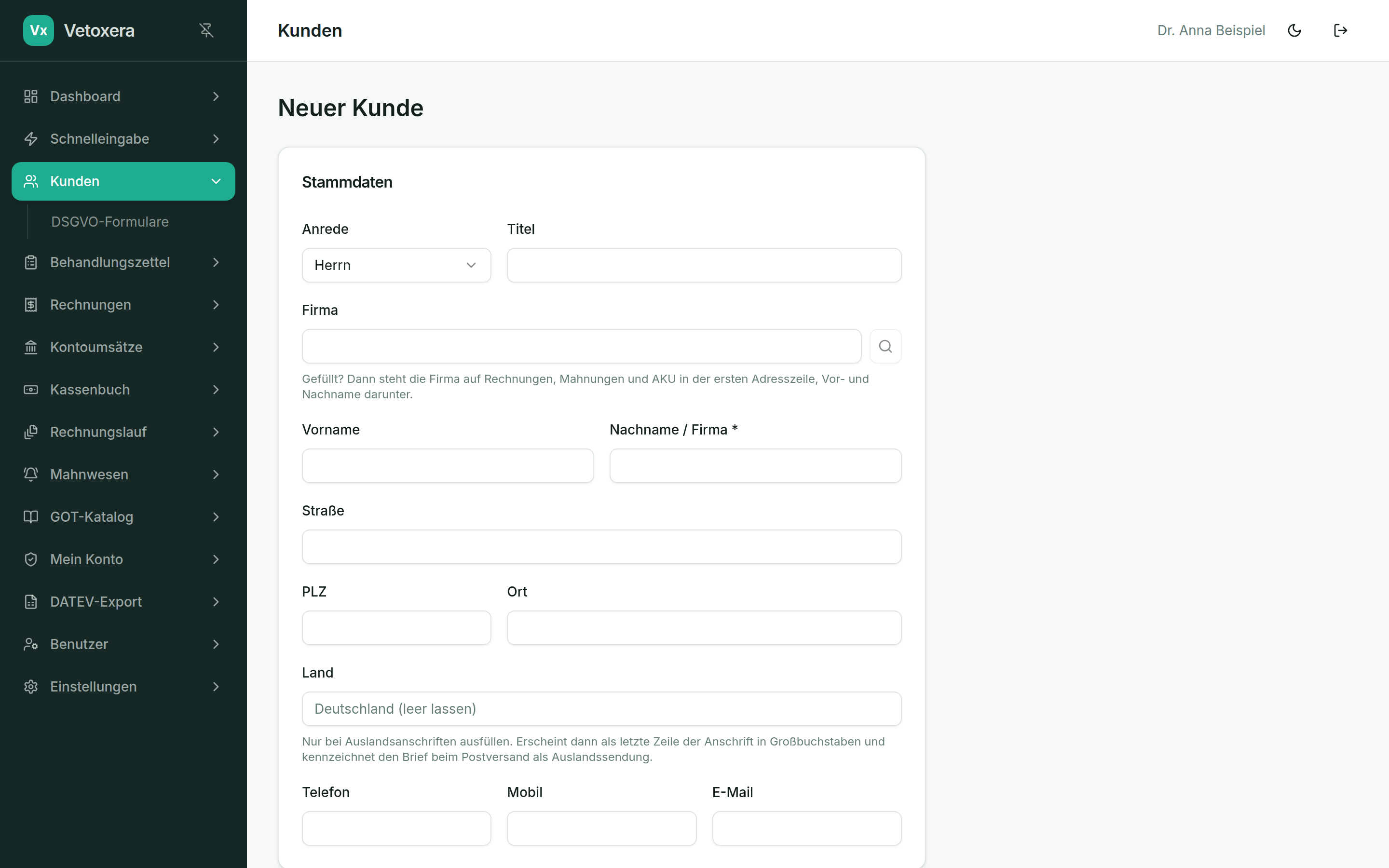
- In the client list, click New client (Neuer Kunde) – or open an existing entry.
- Vetoxera assigns the client number (Kundennummer) automatically and consecutively.
- Important for billing: the delivery method (Zustellart) for invoices and payment reminders – by email or as a letter. It later controls how the invoice run and the dunning module send documents out.
The client file
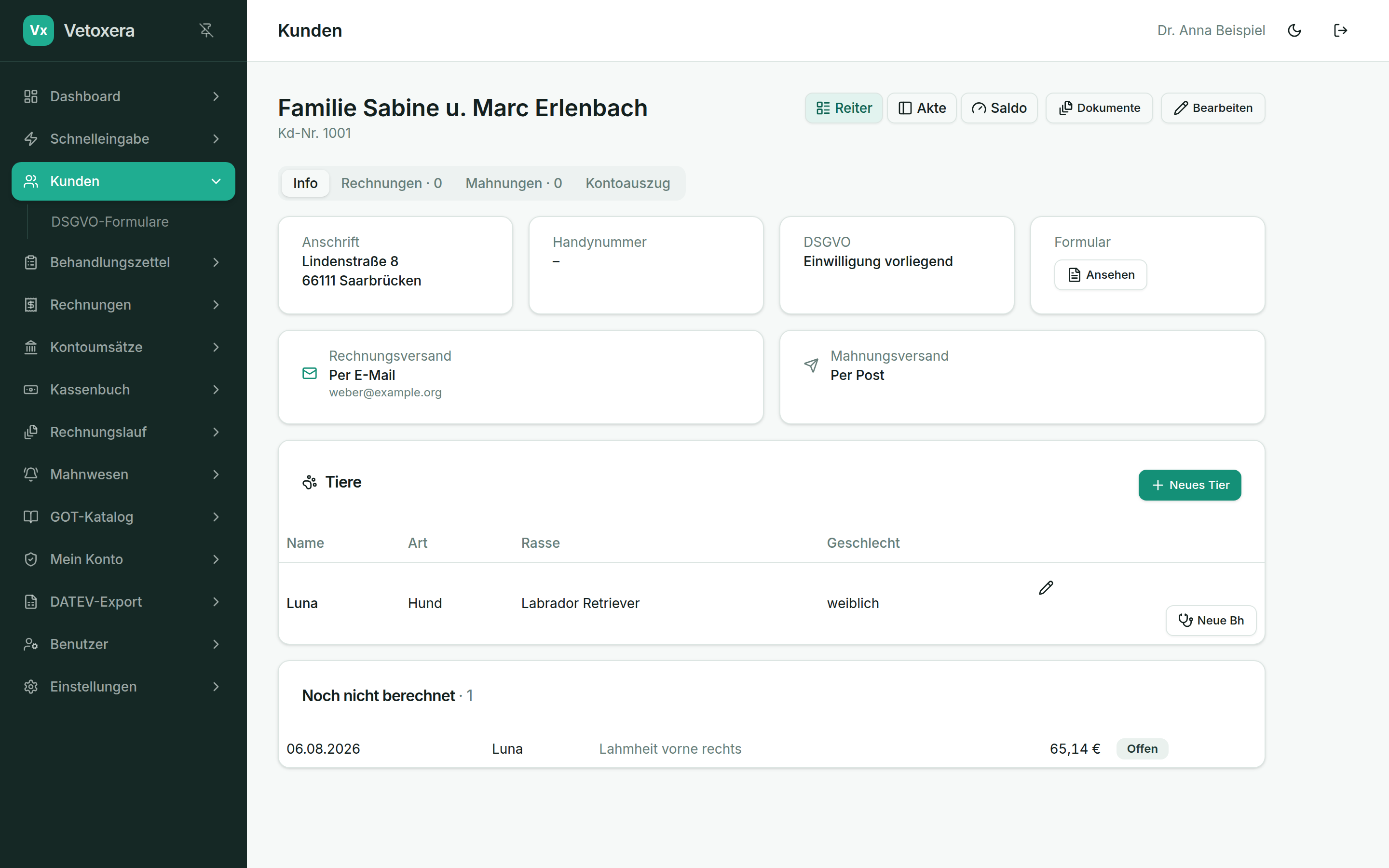
- Animals (Tiere) – all of the client's animals with species, breed, sex, weight, chip number and date of birth. Deceased animals stay in the file.
- History (Historie) – treatments and invoices with their status at a glance, and with it a clear view of the client's payment history.
- Documents (Dokumente) – every PDF stored for this client (invoices, payment reminders, consent and data-protection forms, AKU reports).
- Dunning and debt-collection hold (Mahn- und Inkassosperre) – can be set per client where needed, also with an end date, e. g. when instalments have been agreed.
Changes to client data are logged – the file shows when which data was changed.