Pre-purchase examinations (AKU)
Note on the screenshots: the Vetoxera interface is currently German, and the screenshots come from an installation configured for the German market. Some labels in them – for example GOT-Katalog or DSGVO-Formulare – are named differently in an installation for the Emirates. The workflows and the layout are identical.
For pre-purchase examinations (AKU, Ankaufsuntersuchung) Vetoxera offers structured forms following the usual German template categories – created straight from the client file.
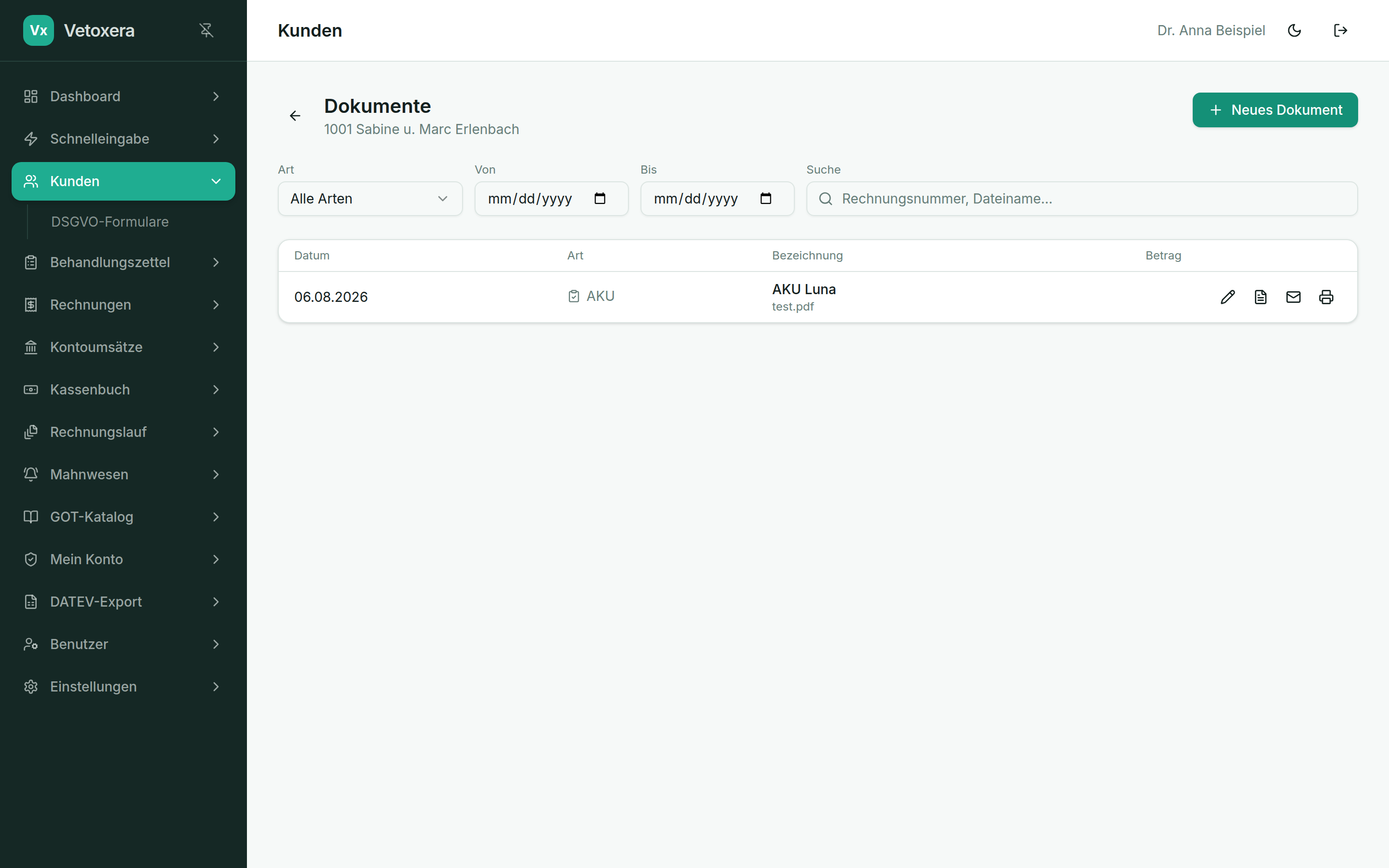
Creating an AKU
- Open the client and switch to Documents (Dokumente).
- Choose New AKU (Neue AKU) and the matching template category.
- Fill in the examination points – the AKU is saved as a PDF against the animal or client and can be retrieved at any time.
- If you wish, you can send the report by email straight from the system.
The AKU forms deliberately stay close to the familiar paper templates – which makes the switch easier for the whole team.