Invoices
Note on the screenshots: the Vetoxera interface is currently German, and the screenshots come from an installation configured for the German market. Some labels in them – for example GOT-Katalog or DSGVO-Formulare – are named differently in an installation for the Emirates. The workflows and the layout are identical.
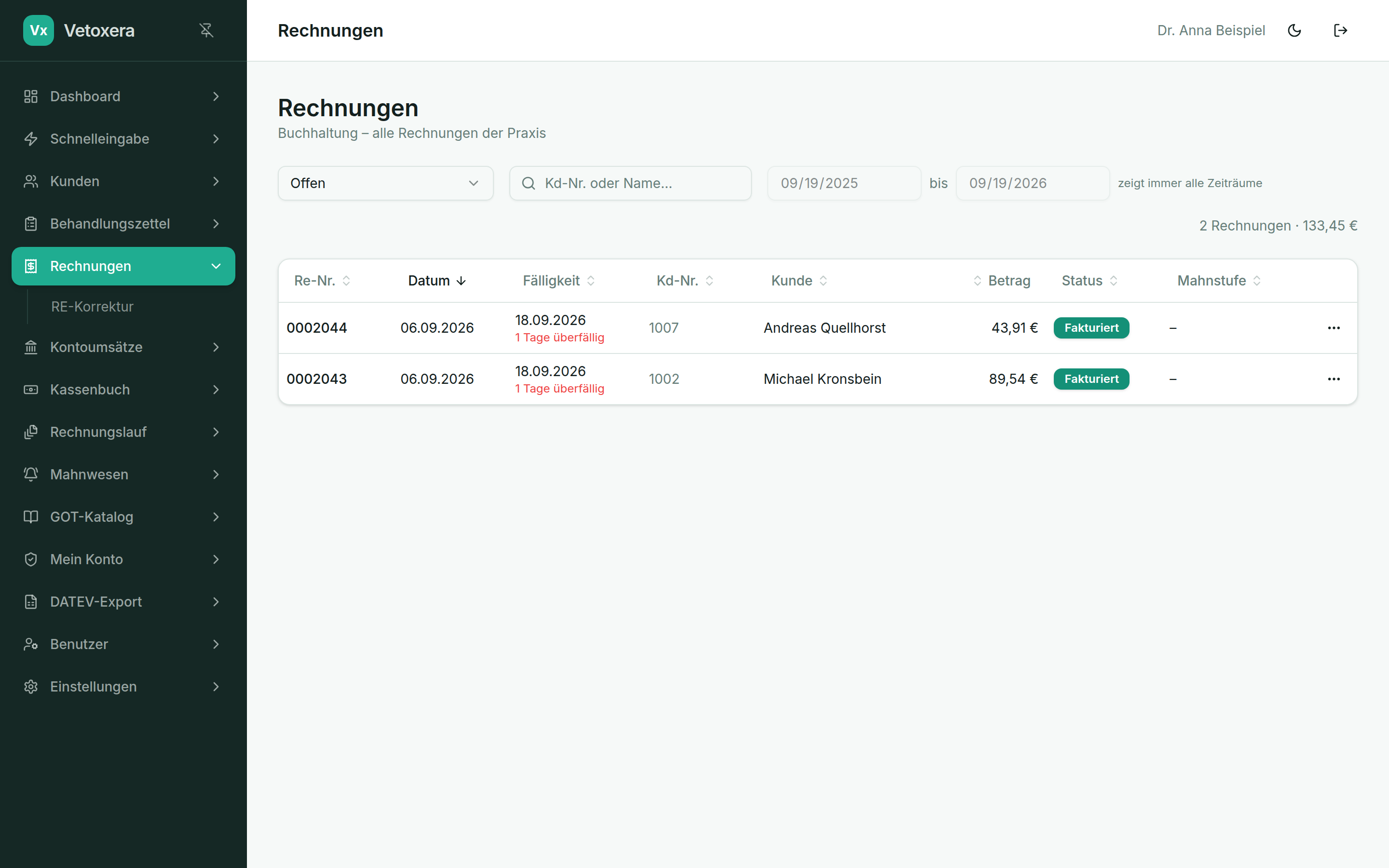
Under Invoices (Rechnungen) you find every invoice you have created, with status, amount and payment state – including the PDF view and dispatch.
What you can do here
- Filter and search – by period, status (open, paid, corrected) and client.
- View the PDF – every invoice opens as a cleanly typeset PDF with your practice's letterhead.
- Send – individually by email or as a batch via the invoice run; letters go out through the letter mailing module.
- Record payments – post incoming payments (including part payments) directly against the invoice; with the bank connection this happens largely automatically.
The invoice status always runs open → invoiced → paid (offen → fakturiert → bezahlt); corrections take their own route – see Corrective invoices.