Corrective invoices
Note on the screenshots: the Vetoxera interface is currently German, and the screenshots come from an installation configured for the German market. Some labels in them – for example GOT-Katalog or DSGVO-Formulare – are named differently in an installation for the Emirates. The workflows and the layout are identical.
Wrong invoice? No problem – Vetoxera corrects it the way bookkeeping requires: the original invoice is kept, and a corrective invoice with its own number offsets it.
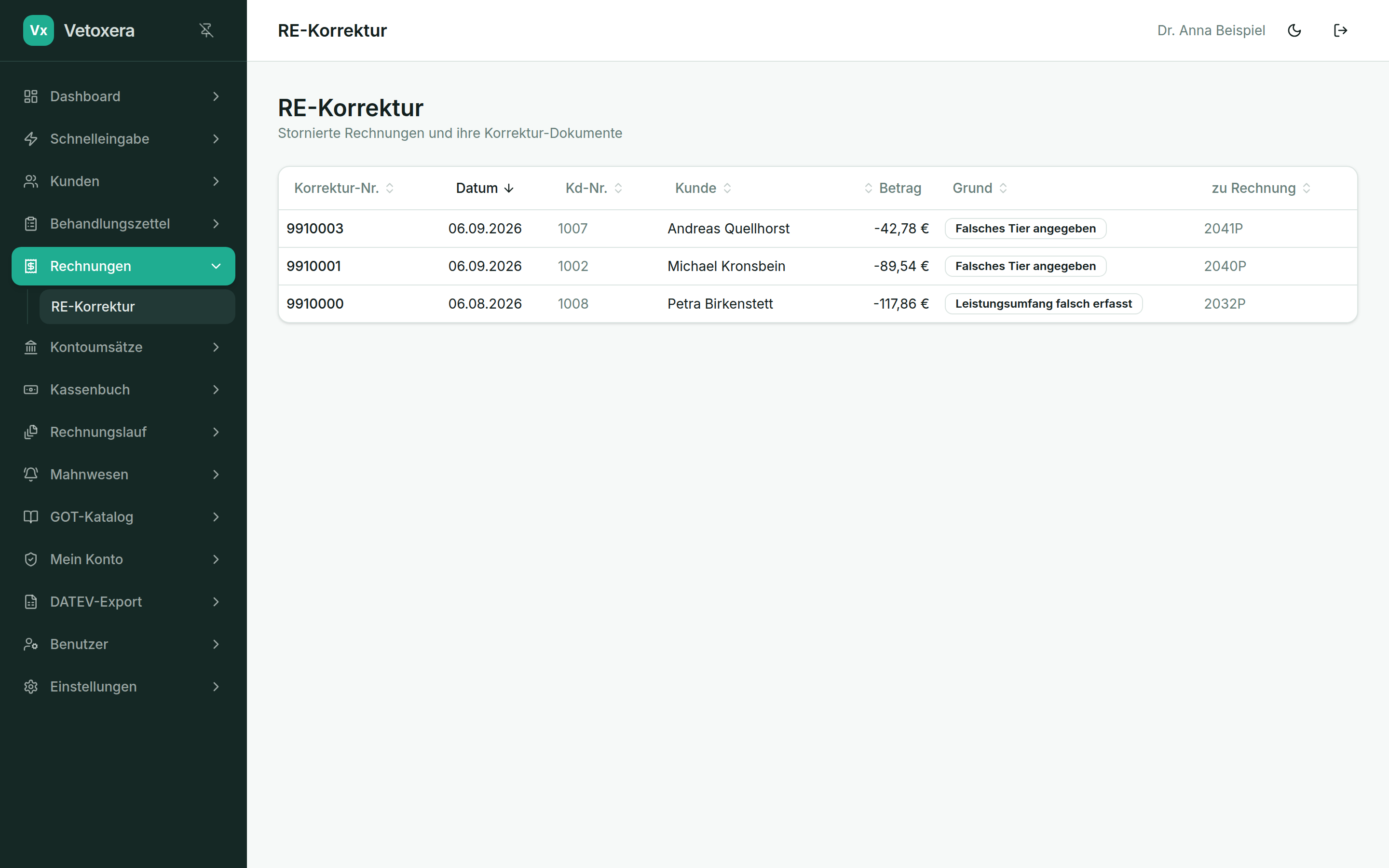
How to correct an invoice
- Open the invoice and choose Create corrective invoice (Stornieren).
- State the reason – duplicate invoice (Doppelrechnung), wrong recipient (falscher Adressat) or other (Sonstiges) with free text. The reason appears on the corrective invoice.
- Vetoxera creates the corrective invoice with its own consecutive number and links it to the original.
- The treatments it contained become open again and can – if you wish – be corrected and invoiced anew.
Invoices are never deleted or altered after the fact – which keeps your bookkeeping proper and every figure auditable.