Consent forms & signatures
Note on the screenshots: the Vetoxera interface is currently German, and the screenshots come from an installation configured for the German market. Some labels in them – for example GOT-Katalog or DSGVO-Formulare – are named differently in an installation for the Emirates. The workflows and the layout are identical.
Vetoxera brings order to your practice's data-protection paperwork: consent is recorded digitally, signed and assigned automatically to the right client file.
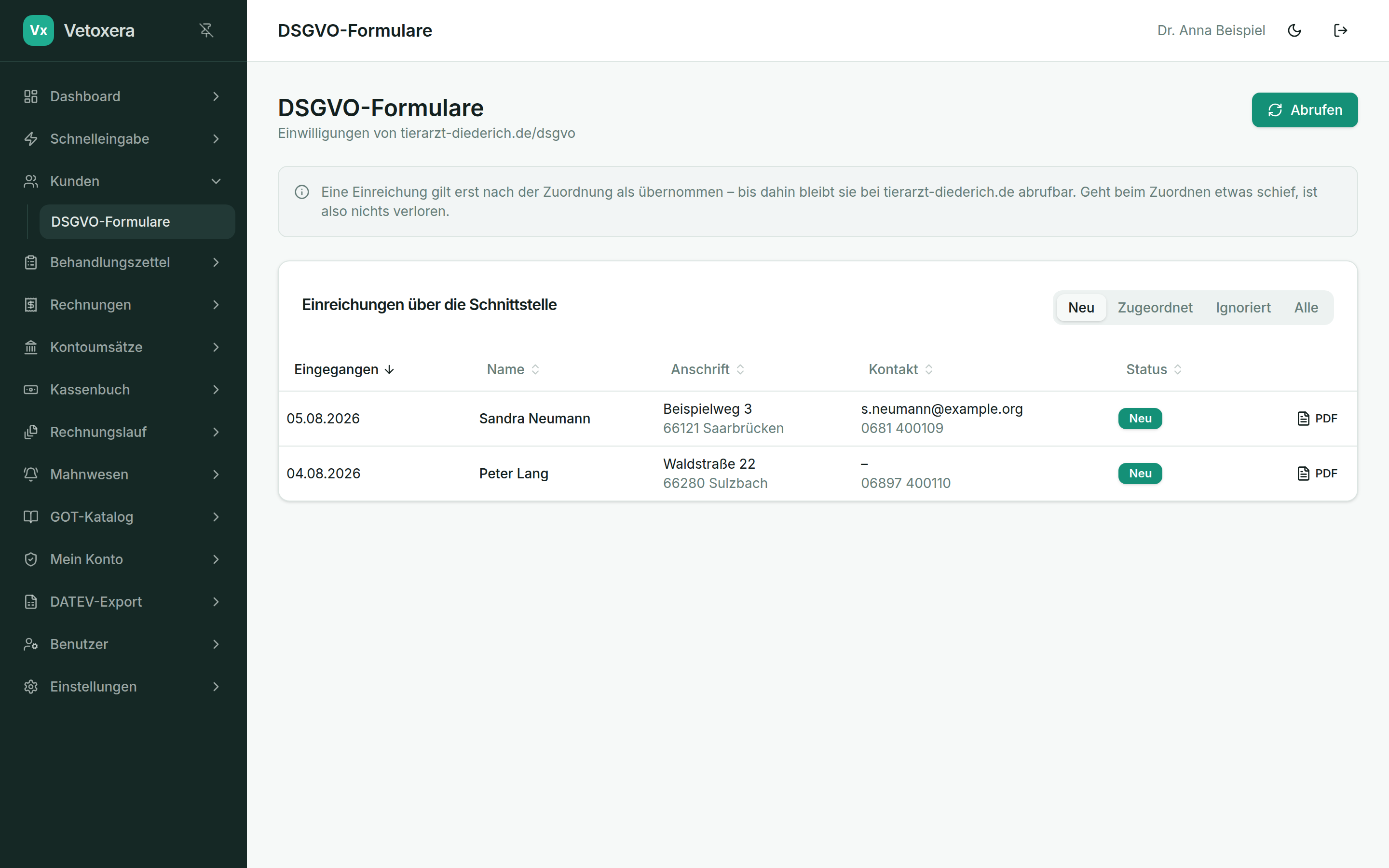
Processing incoming forms
- New forms appear under Consent and data-protection forms (DSGVO-Formulare) with the status new (neu).
- Vetoxera suggests matching clients – one click assigns the form to the file, and the consent is recorded against the client (including the date).
- Entries that cannot be assigned, or duplicates, can be ignored.
- Every form is stored as a PDF and kept unchangeable, so it stays auditable.
Mobile signatures
You capture signatures directly on a smartphone or tablet: Vetoxera generates a QR code, the animal owner signs on the device – and the signature lands in the right document immediately. Users store their own signature (for reports and forms) through the same handoff – see Users & roles.
Data is held in German data centres to high protection and security standards; the server location can be agreed to suit your practice.