Account transactions & reconciliation
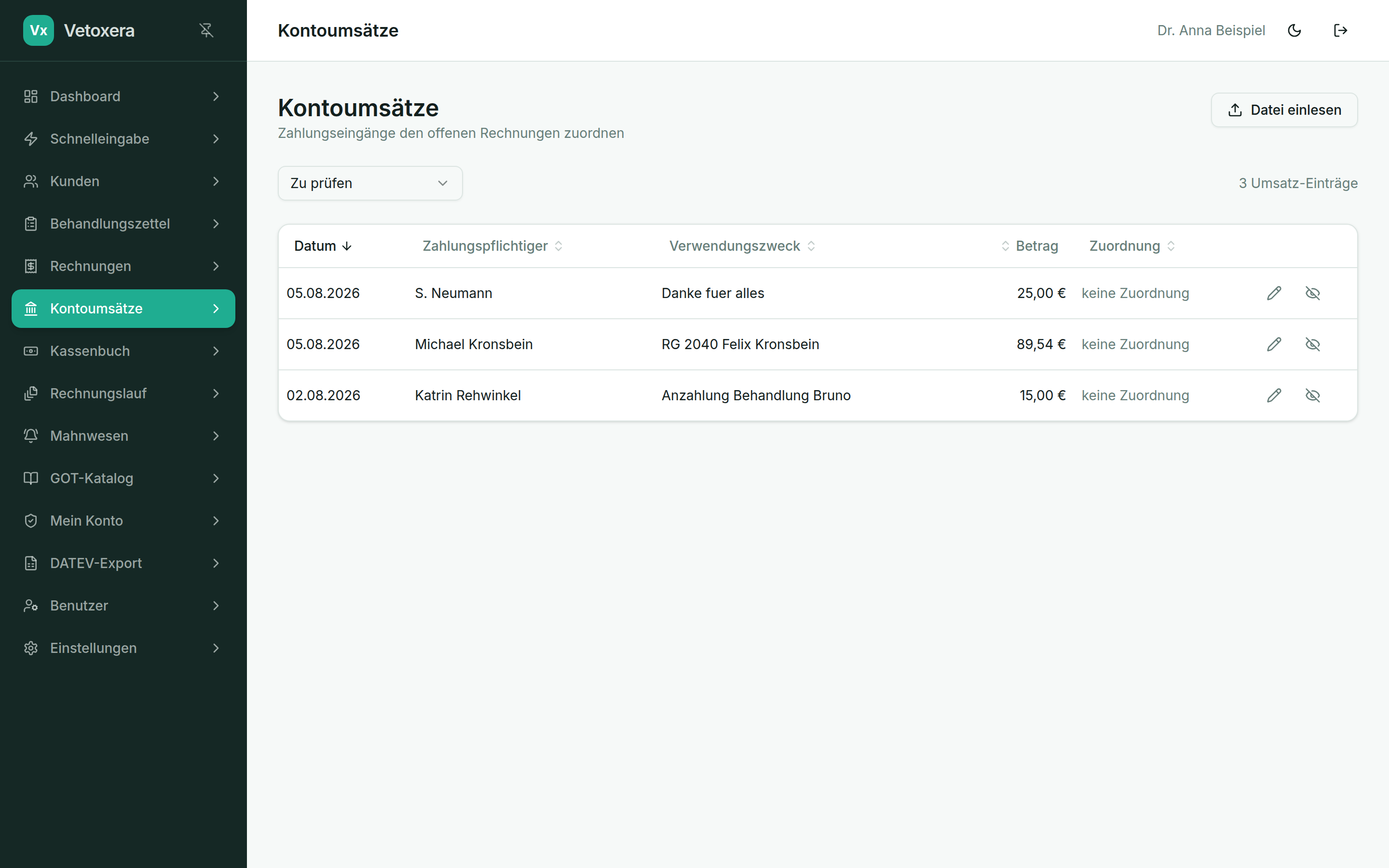
Note on the screenshots: the Vetoxera interface is currently German. The screenshots below show the actual interface, so German labels are quoted in brackets next to the English term – that way you can always find the element on your screen.
Under Account transactions (Kontoumsätze) your practice's bank movements arrive. Vetoxera matches incoming payments to the open items automatically – by payment reference, amount and name.
The daily reconciliation
- Unambiguous payments are matched automatically – the invoice counts as paid and the payment appears in the client file.
- Anything unclear ends up in the "To review" filter (Zu prüfen): there you assign it manually with a click, or mark the transaction as ignored (ignoriert) – e. g. bank charges or private entries.
- Part payments and combined transfers can be posted cleanly as well.
Without a bank connection: importing a file
Would you rather not retrieve anything online? Via Import file (Datei einlesen) you import bank statement files (e. g. camt/MT940 from your online banking) – the reconciliation then works in exactly the same way.