My account
Note on the screenshots: the Vetoxera interface is currently German. The screenshots below show the actual interface, so German labels are quoted in brackets next to the English term – that way you can always find the element on your screen.
Under My account (Mein Konto) every user manages their own security and display settings – independently of the practice-wide configuration.
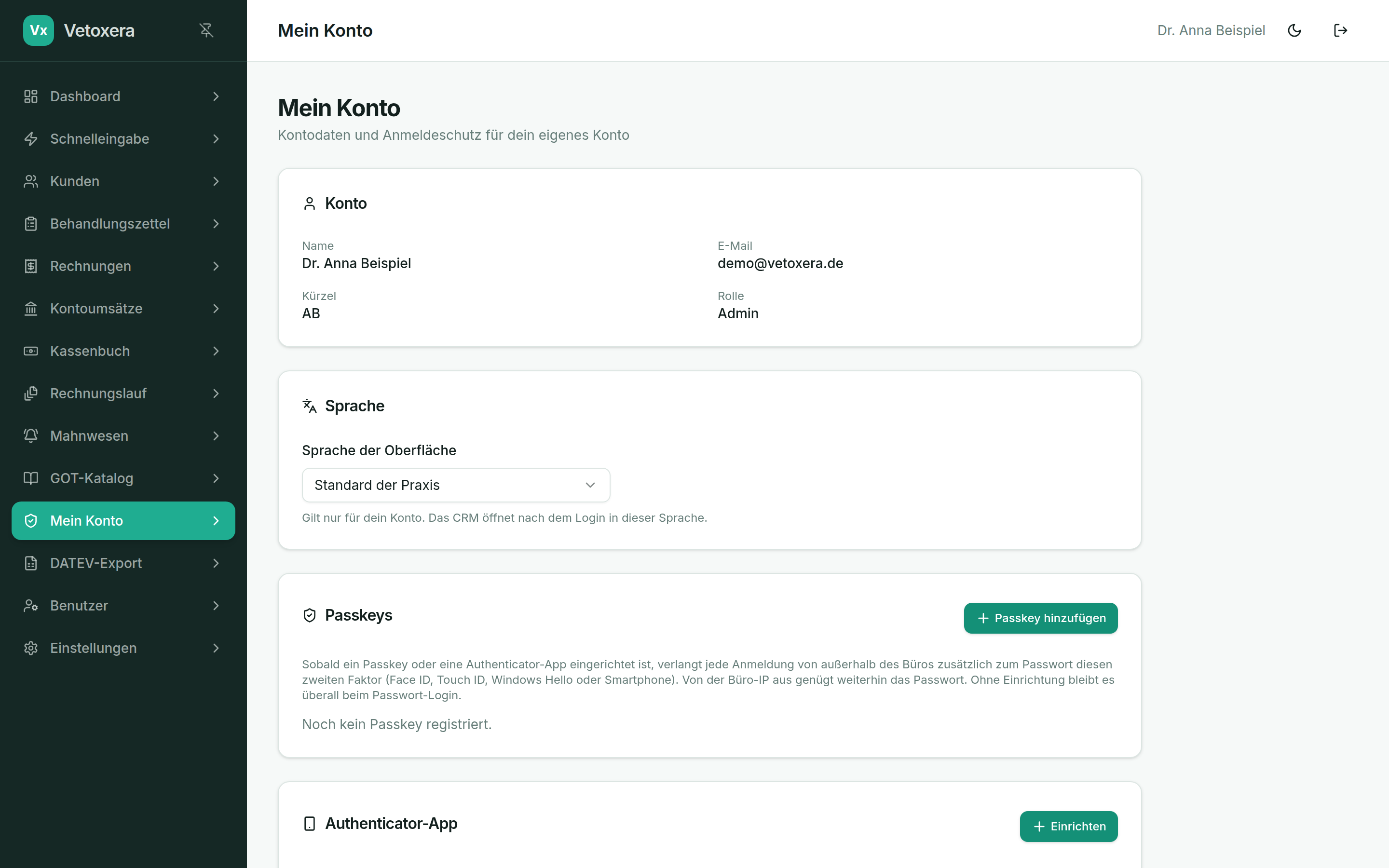
What you will find here
- Change password (Passwort ändern) – renew your own password at any time.
- Two-factor authentication (Zwei-Faktor-Anmeldung) – set up or remove an authenticator app (TOTP).
- Passkeys – add device-bound sign-in via Face ID, Touch ID or Windows Hello; several devices are possible.
2FA is deliberately handled per user rather than practice-wide: anyone who has set up a second factor must use it when signing in – anyone who has not (yet) set one up continues to sign in with a password. Details in the chapter Signing in & security.