Sending by email
Note on the screenshots: the Vetoxera interface is currently German. The screenshots below show the actual interface, so German labels are quoted in brackets next to the English term – that way you can always find the element on your screen.
Vetoxera sends invoices, payment reminders and reports directly by email – from your practice's own sender address.
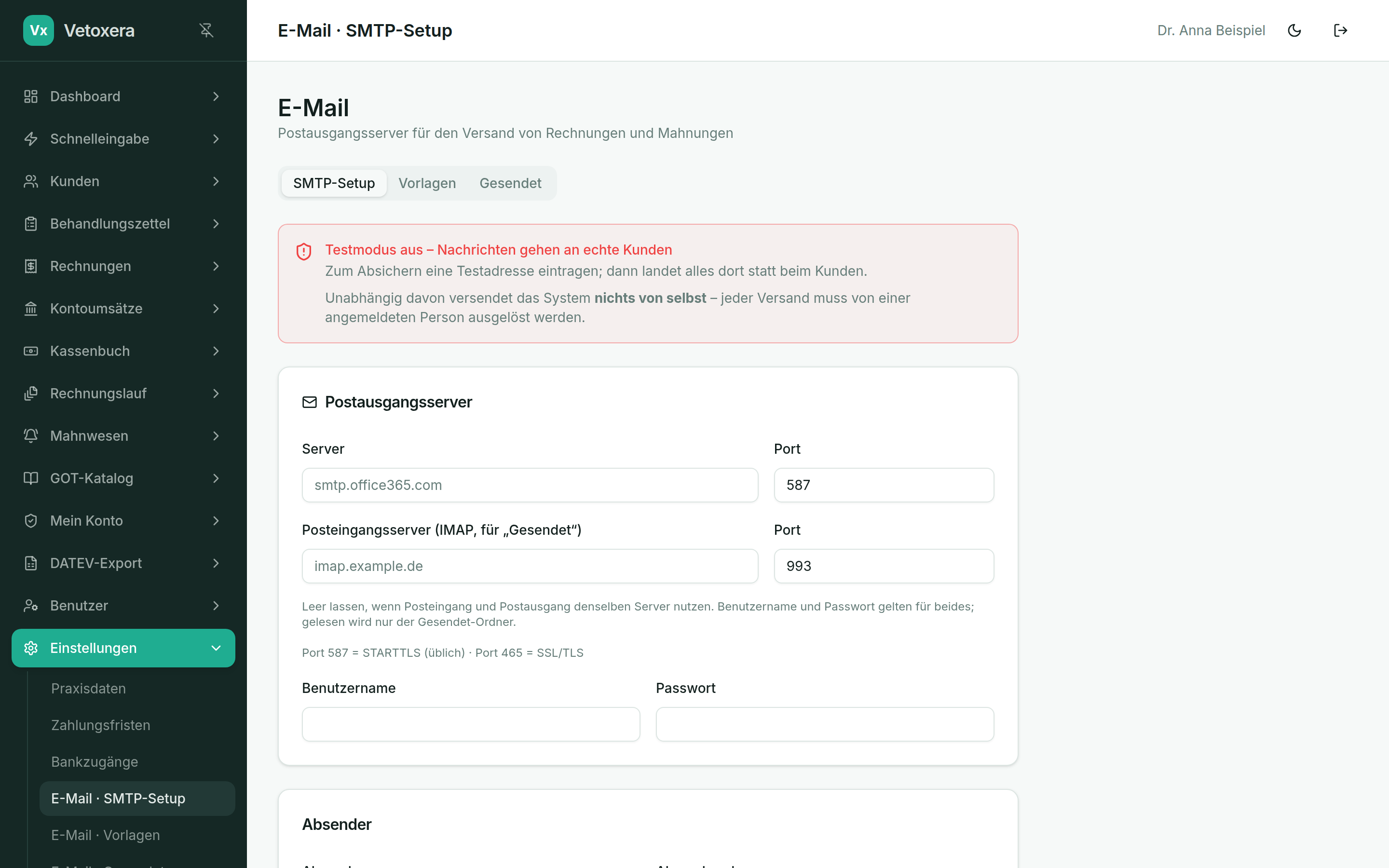
Setup
- Under Settings → Email (Einstellungen → E-Mail), enter the outgoing mail server (SMTP) of your practice address – server, port, user name and password come from your email provider (we are happy to help).
- Check the setup with the test message (Testversand).
Day to day
- Clients whose delivery method is email receive invoices and payment reminders automatically – individually or as a batch from the invoice run.
- Every dispatch is logged – so you can prove when which email went out.