Bank connection (EBICS/FinTS)
Note on the screenshots: the Vetoxera interface is currently German. The screenshots below show the actual interface, so German labels are quoted in brackets next to the English term – that way you can always find the element on your screen.
Vetoxera fetches your practice's account transactions straight from the bank – via the banking standards EBICS (Electronic Banking Internet Communication Standard) and FinTS, the German online-banking standard. You set this up under Settings → Bank access (Einstellungen → Bankzugänge).
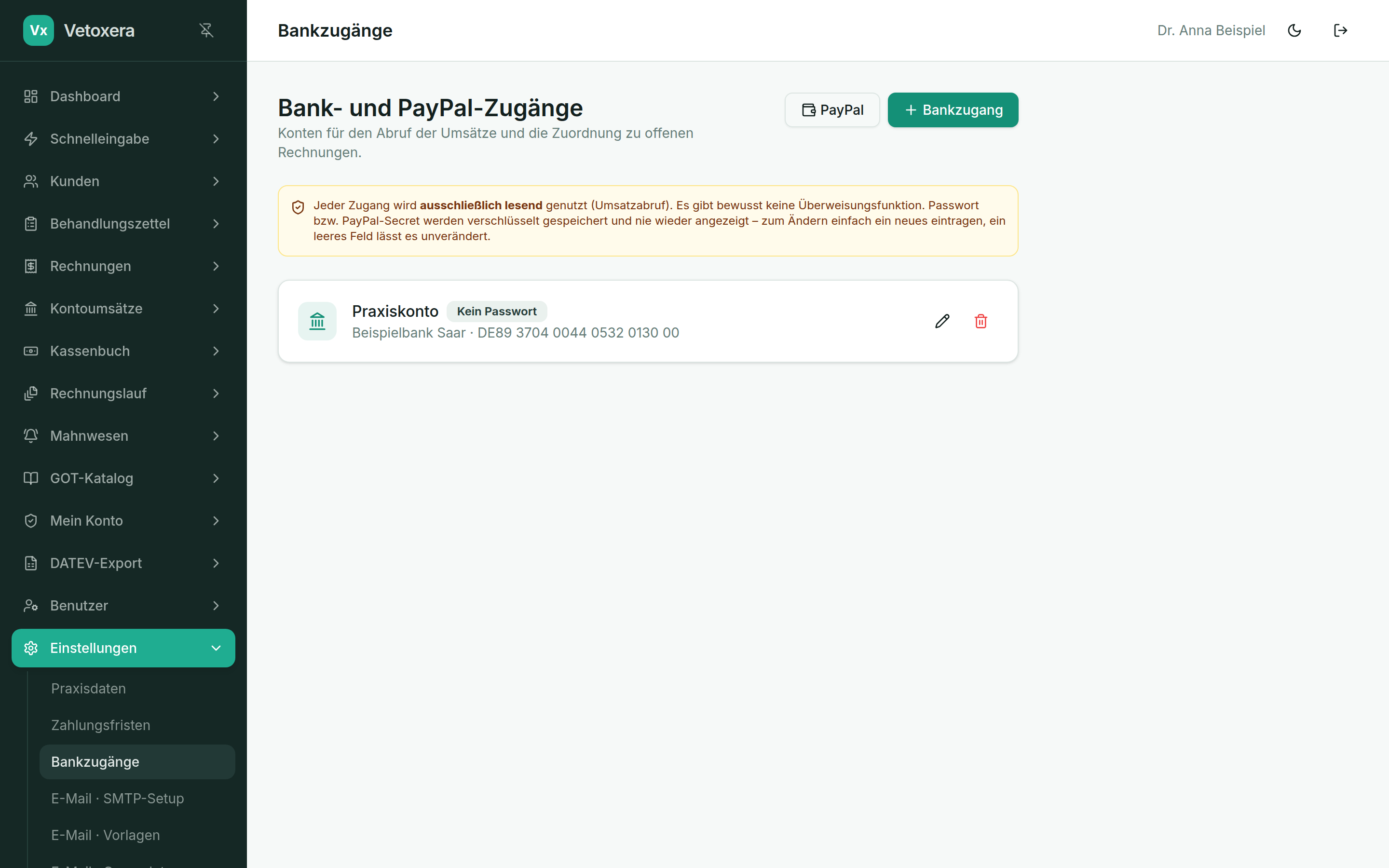
Adding a bank connection
- Click + Bank access (+ Bankzugang) and enter a label, the bank, the IBAN and the credentials of your online-banking account.
- The password is stored encrypted and never displayed again – to change it, simply enter a new one.
- Several accounts are possible (e. g. a practice account and a reserve account).
Read-only: the connection is used solely to retrieve account transactions. There is deliberately no payment function – Vetoxera cannot move any money.
EBICS for corporate accounts
For banks with corporate-client access (e. g. apoBank) Vetoxera connects the account via EBICS: account transactions (camt.053) are retrieved automatically every day – with no TAN entry at all. We handle the initial setup (participant keys, initialisation letter) together with you and your bank.